
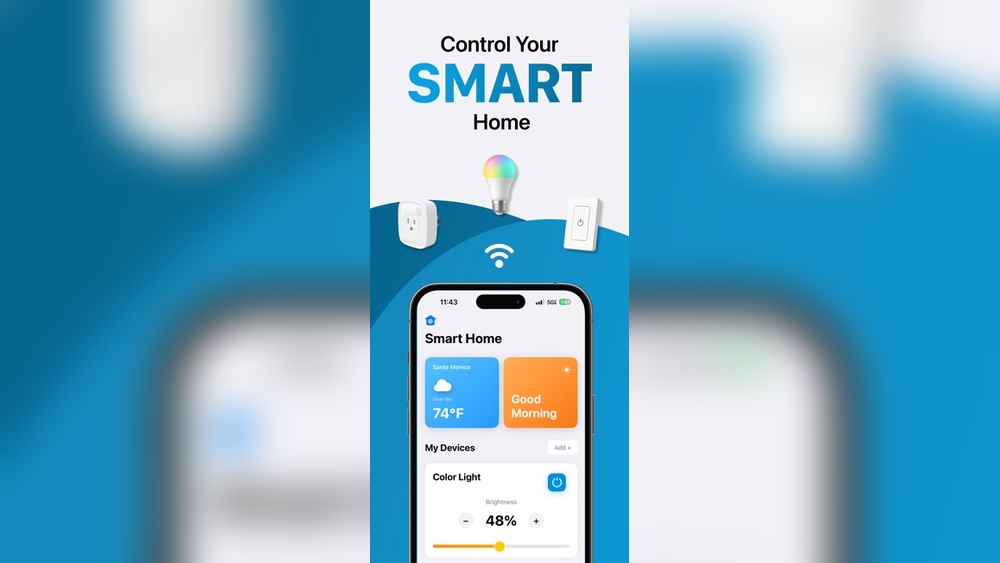
Imagine turning on your lights without standing up. Or locking your door while you sit on the couch. You can do all this and more with your phone. Controlling your home with your phone is easy and helpful. This guide will show you how to start.
What Does It Mean to Control Your Home With Your Phone?
Controlling your home with your phone means using your mobile device to manage things in your house. This can be lights, doors, heaters, or cameras. Instead of using switches or keys, you use apps on your phone. It makes life simple and saves time.
Why Control Your Home With Your Phone?
- Convenience: You can do many things without moving.
- Safety: Check your home from anywhere.
- Energy Saving: Turn off devices when not needed.
- Comfort: Set temperature before you arrive.
Step 1: Choose the Right Smart Devices
First, you need smart devices that work with phones. Some popular types include:
- Smart Lights: These bulbs connect to Wi-Fi.
- Smart Plugs: Plug your devices into these.
- Smart Thermostats: Control heating and cooling.
- Smart Locks: Lock or unlock doors remotely.
- Security Cameras: Watch your home anytime.
Make sure the devices are easy to install and use. Also, check if they work with your phone’s system (Android or iPhone).
Step 2: Connect Devices to Your Home Wi-Fi
Most smart devices need Wi-Fi to work. Connect each device to your home network. Usually, the device’s app will guide you. Follow these simple steps:
- Download the device’s app on your phone.
- Turn on the device and open the app.
- Follow instructions to connect to Wi-Fi.
- Give the device a name, like “Living Room Light.”
Once connected, you can control the device from anywhere with internet.
Step 3: Use a Central App or Assistant
It is easier to control all devices in one place. You can use apps like:
- Google Home
- Amazon Alexa
- Apple HomeKit
These apps help manage many devices together. You can turn off all lights or check all cameras at once.
Step 4: Set Up Voice Control (Optional)
If you want, you can add a smart speaker or use your phone’s voice assistant. This lets you control devices by speaking.
- Say “Turn on the kitchen light.”
- Ask “Is the front door locked?”
- Tell “Set temperature to 72 degrees.”
Voice control makes things faster and hands-free.
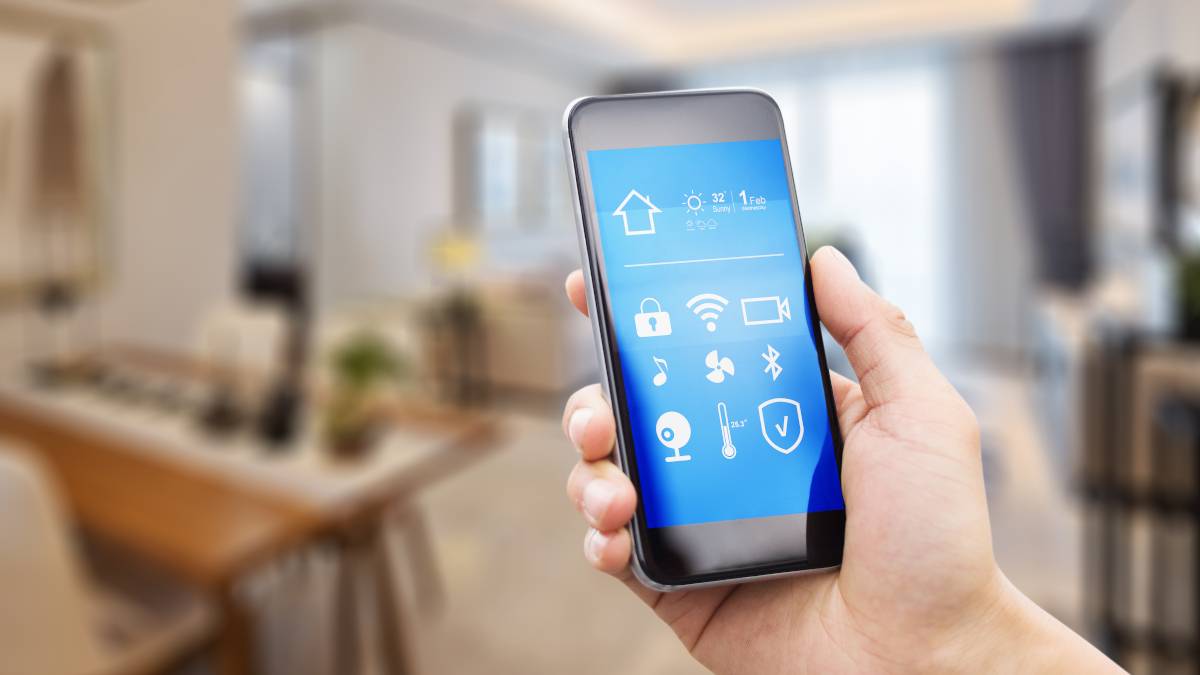
Step 5: Create Routines and Automations
Routines help your devices work automatically. For example:
- Turn on lights at sunset.
- Lock doors at bedtime.
- Lower thermostat when you leave.
You set these in the app. The devices do the work for you.
Credit: www.howtogeek.com
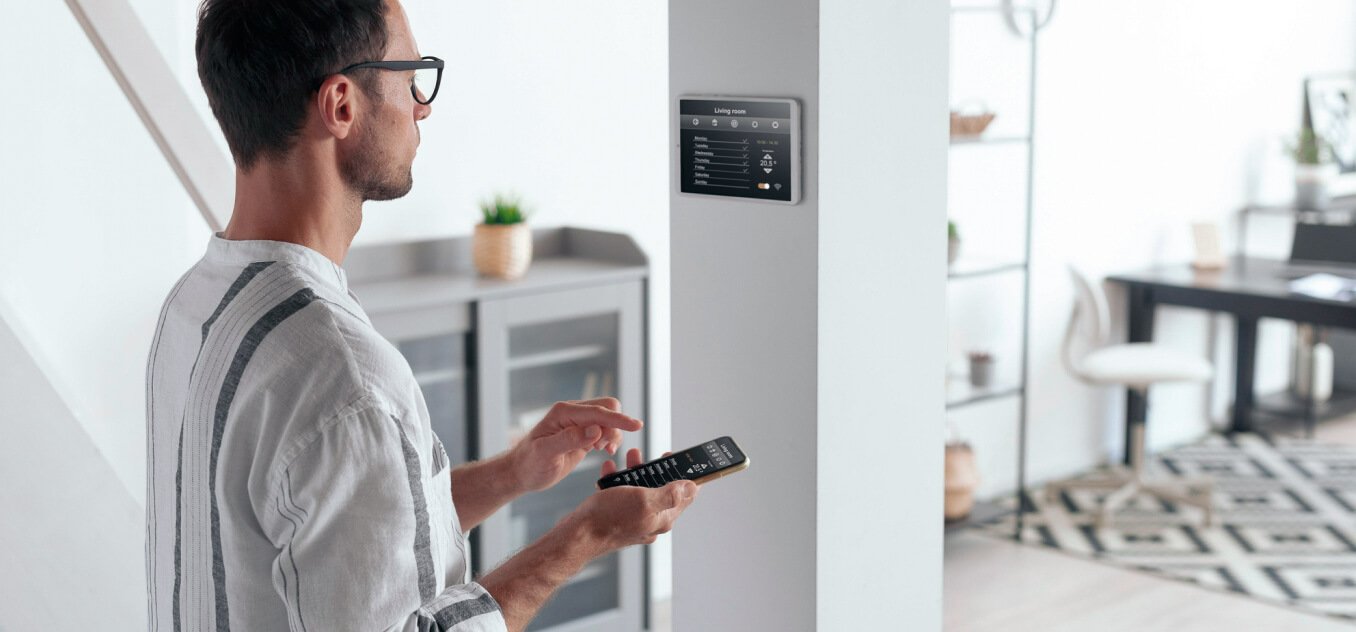
Step 6: Keep Your System Safe
Security is very important. Follow these tips:
- Use strong passwords for your Wi-Fi and apps.
- Update apps and device software regularly.
- Use two-step verification if available.
- Only download apps from trusted sources.
These steps help protect your home and privacy.
Credit: tedee.com
Examples of What You Can Control
| Device | Control from Phone | Benefit |
|---|---|---|
| Smart Lights | Turn on/off, change colors, dim | Save energy, set mood |
| Smart Thermostat | Adjust temperature remotely | Comfort and save heating bills |
| Smart Lock | Lock/unlock doors, check status | Secure home from anywhere |
| Security Cameras | View live video, receive alerts | Monitor home safety |
| Smart Plugs | Turn devices on/off | Control appliances easily |
Tips for Beginners
- Start with one or two devices.
- Read instructions carefully.
- Ask for help if needed.
- Test devices after setup.
- Keep your phone charged.
Common Problems and Solutions
Sometimes things may not work. Here are some common issues:
- Device won’t connect: Check Wi-Fi and app updates.
- App crashes: Restart phone and reinstall app.
- Slow response: Ensure strong Wi-Fi signal.
- Device offline: Power cycle the device.
Most problems are easy to fix.
How to Choose the Best Smart Home Devices
Think about these points before buying:
- Is it easy to use?
- Does it work with your phone?
- Is the price good for your budget?
- Does it have good reviews?
- Can it grow with your needs?
Summary
Controlling your home with your phone is simple. You need smart devices and a good app. Connect devices to Wi-Fi and set them up. Use apps or voice control to manage your home. Create routines for more comfort. Keep your system safe with strong passwords. Start small and add more devices later. Enjoy the ease of smart living.
With these steps, your phone becomes a powerful tool. Control lights, locks, cameras, and more from one place. Make your home safer and smarter today.
Frequently Asked Questions
What Devices Can I Control With My Phone At Home?
You can control lights, thermostats, cameras, locks, and smart appliances with your phone.
How Do I Connect My Phone To Smart Home Devices?
Use Wi-Fi or Bluetooth and follow the device app instructions to connect.
Is It Safe To Control My Home With A Phone?
Yes, using strong passwords and secure Wi-Fi keeps your smart home safe.
Can I Control My Home Remotely With My Phone?
Yes, you can control devices from anywhere using internet and the right app.