
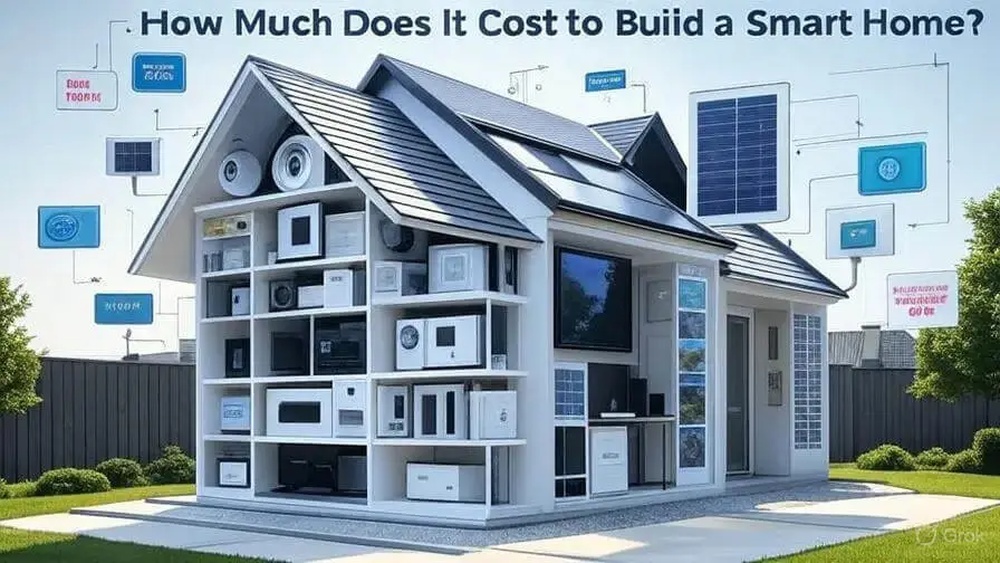
Building a smart home may seem hard at first. But it can be easy if you know where to start. A smart home is a house with devices that you can control with your phone or voice. These devices can help you save time, energy, and make your life more comfortable.
What Is a Smart Home?
A smart home has devices connected to the internet. These devices can talk to each other. You can control them from far away using apps or voice commands. For example, you can turn on lights before you enter your house. Or you can check your security camera from work.

Credit: www.youtube.com
Why Build a Smart Home?
- Save energy by controlling lights and temperature.
- Make your home safer with smart locks and cameras.
- Make daily tasks easier with smart appliances.
- Control your home from anywhere in the world.
It can also make your home fun and modern.
Step 1: Plan Your Smart Home
Before buying devices, think about what you want. Ask yourself:
- Do I want to control lights or temperature?
- Do I want security devices like cameras?
- Do I want voice control with Alexa or Google?
- How much can I spend?
Write down your needs. This helps you choose the right devices.
Step 2: Choose a Smart Home Hub
A smart home hub connects all your devices. It lets them work together. You can control many devices from one app. Popular hubs are:
- Amazon Alexa
- Google Home
- Apple HomeKit
Pick one that fits your phone and needs. For example, if you use an iPhone, Apple HomeKit is good.

Credit: froqua.co.uk
Step 3: Start with Simple Devices
Start small. Buy a few easy devices first. This helps you learn how smart homes work.
Good starter devices are:
- Smart bulbs for lights
- Smart plugs for appliances
- Smart speakers for voice control
Smart bulbs let you change light colors and brightness. Smart plugs control devices like fans or lamps. Smart speakers let you talk to your smart home.
Step 4: Connect Your Devices
Each device comes with instructions. Usually, you connect them to your Wi-Fi network. Then, link them to your smart home hub app.
Take your time and follow the steps. You can control the devices from your phone after setup.
Step 5: Add More Devices Over Time
Once you know how to use simple devices, add more. Think about:
- Smart thermostats to control temperature
- Smart locks for doors
- Security cameras for safety
- Smart sensors for doors and windows
Each new device makes your home smarter and safer.
Step 6: Learn to Use Routines and Automations
Routines help devices work automatically. For example, you can set lights to turn off at 10 p.m. or turn on when you come home.
Automations save time and energy. You do not need to control each device every time.
Step 7: Keep Your Smart Home Secure
Security is important for smart homes. Change default passwords on devices. Use strong and unique passwords. Keep your Wi-Fi network safe. Turn on updates for your devices. This helps protect your home from hackers.
Common Smart Home Devices and Their Uses
| Device | Use | Why It Helps |
|---|---|---|
| Smart Bulbs | Control light color and brightness | Save energy and create mood lighting |
| Smart Plugs | Turn appliances on/off remotely | Control devices without replacing them |
| Smart Speakers | Voice control for your home | Hands-free control of devices |
| Smart Thermostats | Adjust home temperature | Save money on heating and cooling |
| Smart Locks | Lock/unlock doors remotely | Increase home security |
| Security Cameras | Monitor your home | Keep an eye on your property |
Tips for Beginners
- Start with one room, not the whole house.
- Choose devices that work with your hub.
- Read reviews before buying devices.
- Ask for help if you get stuck.
- Be patient. It takes time to learn.
What to Avoid When Building a Smart Home
- Buying too many devices at once.
- Ignoring security settings.
- Choosing devices that don’t work together.
- Not reading instructions carefully.
Final Thoughts
Building a smart home is a fun project. It can save you time and money. You can make your home safer and more comfortable. Start small and grow your system over time. Use simple devices first. Learn how to control them. Then add new devices as you feel ready.
Remember, a smart home is about making life easier. It does not have to be perfect at the start. Enjoy the process and make your home smarter step by step.
Frequently Asked Questions
What Is A Smart Home And How Does It Work?
A smart home uses devices connected to the internet to control lights, locks, and more automatically.
Which Smart Devices Are Best For Beginners?
Start with smart bulbs, plugs, and voice assistants for easy setup and use.
How Much Does It Cost To Start A Smart Home?
Basic smart home kits start around $50 to $200 depending on device types.
Do Smart Homes Require Wi-fi To Function?
Yes, Wi-Fi is needed for most smart devices to communicate and work remotely.