
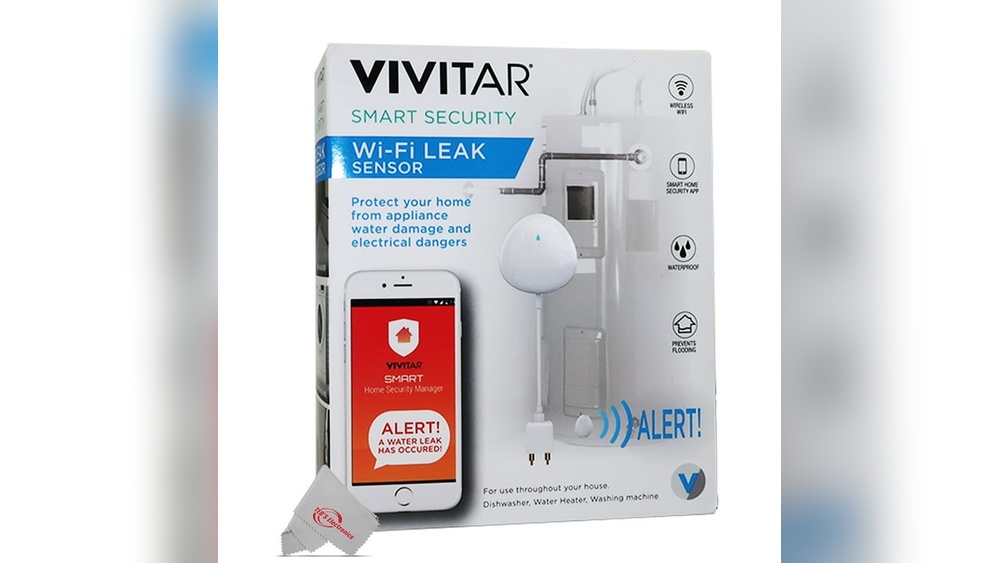
Many people today use smart home devices. One popular device is the wifi enabled washer. It can connect to the internet and send alerts to your smartphone. But how does this happen? In this article, you will learn how wifi enabled washers send alerts to your phone. The process is simple and easy to understand.
What Is a Wifi Enabled Washer?
A wifi enabled washer is a washing machine that can connect to the internet. It uses wifi to link with your home network. This connection allows it to communicate with other devices, like your smartphone.
Normal washers just wash clothes and stop. Wifi washers do more. They can tell you when a cycle is done. They can warn you if there is a problem. This makes laundry easier and more convenient.

Credit: www.amazon.com
How Does the Washer Connect to the Internet?
The washer has a small computer inside. This computer has a wifi chip. The chip lets the washer find your home wifi network. You enter your wifi name and password on the washer’s screen or phone app.
Once connected, the washer can send and receive data. This data moves through your home wifi router. Then, it travels to the internet and reaches your smartphone.
What Kind of Alerts Does the Washer Send?
Wifi washers send many types of alerts. Some common alerts are:
- Cycle start and end notifications
- Door left open warnings
- Water supply problems
- Detergent running low alerts
- Error messages if the washer breaks
These alerts help you keep track of your laundry. You don’t need to wait near the machine. You can do other tasks and still know the washer’s status.
How Does the Washer Send Alerts to Smartphones?
Let’s look at how the washer sends alerts. It happens in a few steps:
- Data Collection: The washer’s sensors collect information. They check the water level, cycle time, and door status.
- Data Processing: The washer’s computer checks this data. It decides if an alert is needed.
- Data Transmission: If an alert is needed, the washer sends data through wifi.
- Cloud Server: The data goes to a cloud server. This server handles the alert messages.
- Smartphone App: The cloud server sends the alert to your phone app.
- Notification: Your phone shows the alert as a notification.
This process happens very fast. Usually, you get the alert within seconds.
What Role Do Sensors Play Inside the Washer?
Sensors are small devices inside the washer. They watch over many parts. For example:
| Sensor Type | What It Checks | Example Alert |
|---|---|---|
| Water Level Sensor | Measures water inside the drum | Low water supply warning |
| Door Sensor | Checks if door is closed properly | Door left open alert |
| Temperature Sensor | Monitors water temperature | Water too hot or cold warning |
| Motor Sensor | Tracks motor speed and function | Washer error or jam alert |
Sensors help the washer know what is happening. They let the machine act smart and send alerts when needed.
What Is a Cloud Server and Why Is It Important?
A cloud server is a computer on the internet. It stores and manages data from many devices. When your washer sends data, it goes to the cloud server first.
The cloud server reads the data. It decides if an alert should be sent to your phone. It also helps keep data safe and private.
The cloud server makes it easy to connect your washer and smartphone. Without it, the devices could not talk to each other well.
How Does the Smartphone Receive Alerts?
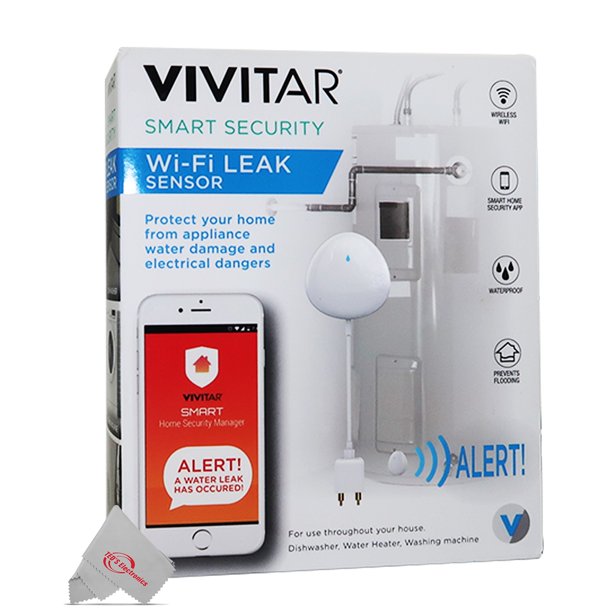
You need an app on your smartphone. This app connects to the cloud server. When the cloud server sends an alert, the app shows it on your phone screen.
The app can send alerts as notifications. You see a message or sound. This lets you know something important happened with your washer.
You can also use the app to control the washer. For example, start or stop a wash cycle. This is very handy.
Credit: business.walmart.com
Is the Connection Safe and Secure?
Yes, most wifi washers use strong security. They encrypt data sent over the internet. This means the data is coded so others cannot read it.
Also, the app requires a password. This keeps your washer and data private. Only you or people you allow can control the washer or get alerts.
Security is very important for smart devices. Good brands take this seriously.
Benefits of Wifi Enabled Washers Sending Alerts
There are many benefits to getting alerts from your washer:
- Save Time: No need to check the washer often.
- Fix Problems Early: Alerts show issues quickly.
- Better Laundry Care: Know exactly when cycles end.
- Remote Control: Start or stop the washer from anywhere.
- Energy Saving: Run the washer at the best times.
These benefits make laundry easier and less stressful.
Steps to Set Up Your Wifi Enabled Washer
If you have a wifi enabled washer, follow these steps to get alerts:
- Connect the washer to your home wifi network.
- Download the washer’s smartphone app.
- Create an account or log in on the app.
- Link the washer with the app using the instructions.
- Allow notifications on your smartphone.
Once done, you will get alerts on your phone from the washer.
Common Problems and How to Fix Them
Sometimes, you might not get alerts. Here are common problems and solutions:
| Problem | Possible Cause | Solution |
|---|---|---|
| No connection to wifi | Wifi password entered wrong | Re-enter correct wifi password |
| App not showing alerts | Notifications disabled on phone | Enable notifications in phone settings |
| Washer offline | Power loss or wifi off | Check power and wifi connection |
| Alerts delayed | Slow internet connection | Improve internet speed or reset router |
Most issues can be fixed easily by checking settings.
The Future of Wifi Enabled Washers
Wifi enabled washers will keep getting better. They may add more sensors and features. For example, washers might:
- Suggest best wash cycles for your clothes
- Order detergent automatically when low
- Connect with other smart home devices
- Use voice commands through assistants like Alexa or Google
Technology will make laundry even easier in the future.
Summary
Wifi enabled washers connect to your home wifi. They use sensors to watch the washing process. The washer’s computer sends data to a cloud server. This server sends alerts to your smartphone app. You get notifications when cycles end or if there is a problem. The system is safe and secure. Alerts help save time and avoid issues. Setting up the washer and app is simple. Future washers will offer more smart features.
Understanding how wifi enabled washers send alerts helps you use them better. It makes laundry less work and more convenient.
Frequently Asked Questions
How Do Wifi Washers Connect To Smartphones?
Wifi washers use home internet to link with a mobile app on your smartphone.
What Types Of Alerts Do Wifi Washers Send?
They send notifications about cycle completion, errors, and maintenance reminders.
Can I Control My Washer Remotely Via Smartphone?
Yes, many wifi washers allow starting, pausing, or stopping cycles from your phone.
Are Wifi Washer Alerts Reliable For Timely Updates?
Alerts are generally quick and accurate, helping you manage laundry efficiently.